
Developers>Tutoriels>Play music & speech synthesis
Play music
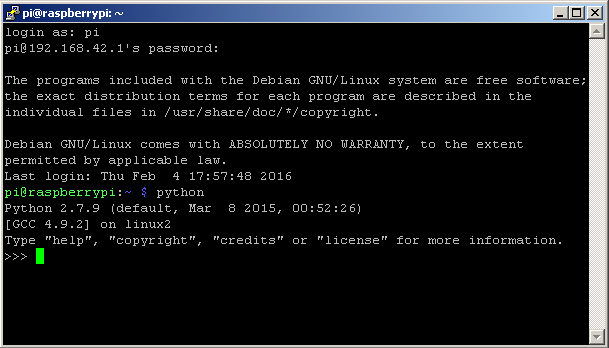
- Start the python program :
$ python
-
import the mrpi1_lib library :
$ from mrpi1_lib import *
- play mp3 audio file :
>>> playMp3("music.mp3")
You can upload a mp3 file on the Raspberry Pi board with the FileZilla software.
- play wav audio file :
>>> playWav("music.wav")
Speech synthesis
Speech synthesis is the artificial production of human speech. (wikipedia)
- Speech synthesis exemple :
>>> play("Hello, my name is MRPi1")
- Exit the python interpreter program :
>>> exit()
Read a text file
Sample text file, created with nano editor :
$ nano text.txt
- file : text.txt
One, two, three, four, five, six.
- save the file and exit the editor
- restart python program :
$ python
- import the mrpi1_lib library :
>>> from mrpi1_lib import *
- play the text.txt file :
>>> playTxt("text.txt")