
Matériels nécessaire
- Robot MRPi1
- Camera Pi
- Cornière aluminium 15×15 mm
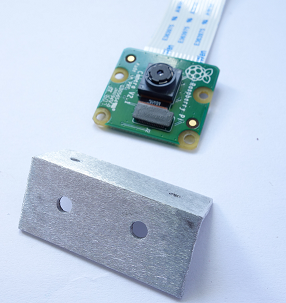
La cornière
- Découper la cornière à une longueur de 35 mm :
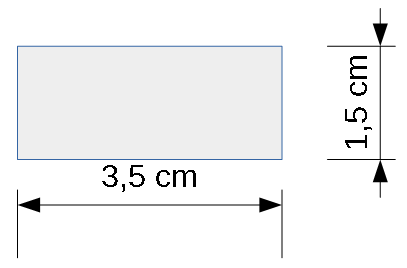
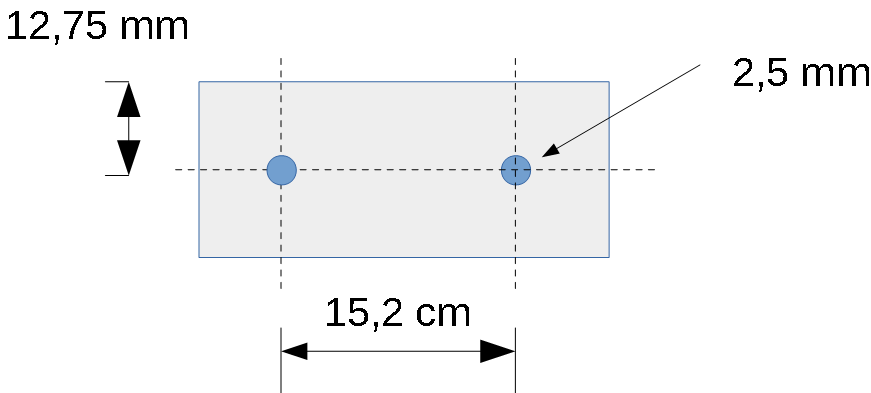
Perçage des trous du support
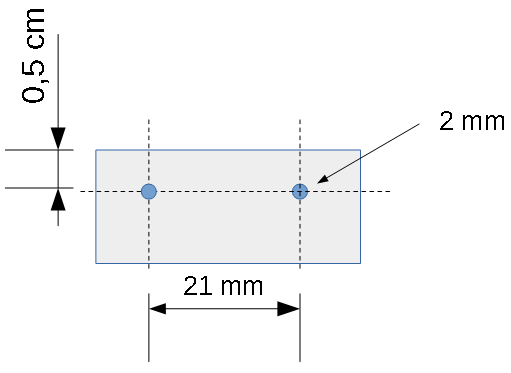
Perçage des trous de la camera Pi
Le support final
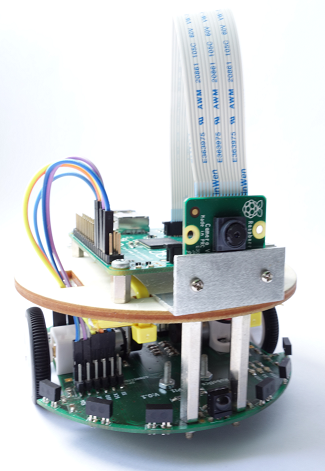
Le robot MRPi1 est équipé d’un accéléromètre 3 axes permettant de détecter les chocs.
Voici une petite vidéo :
Ce programme lit les 3 axes de l’accéléromètre et suivant un seuil d’accélération de 0.1 g une led est allumé ou éteinte.
Le programme python :
from mrpi1_lib import *
import time

while 1:

  axeX = acceleroX();
  axeY = acceleroY();
  axeZ = acceleroZ();

  time.sleep(0.01)

  if(axeX > 0.1):
    led(1,1)
  else:
    led(1,0)

  if(axeY > 0.1):
    led(2,1)
  else:
    led(2,0)

  if(axeZ > 0.1):
    led(3,1)
  else:
    led(3,0)
Programme de contrôle du robot MRduino avec une télécommande :
#include <mrduino.h>

int reception;

void setup()
{
  // init serial communication
  Serial.begin(115200);
}

void loop()
{
  // read IR reception sensor
  reception = irReceiver();

  // read command
  switch(reception)
  {
    case 2:
      forward(30);// Forward
    break;

    case 6:
      turnRight(30);// turn right
    break;

    case 4:
      turnLeft(30);// turn left
    break;

    case 8:
      back(30);// back
    break;

    case 5:
      stop();// stop
    break;
  }

}
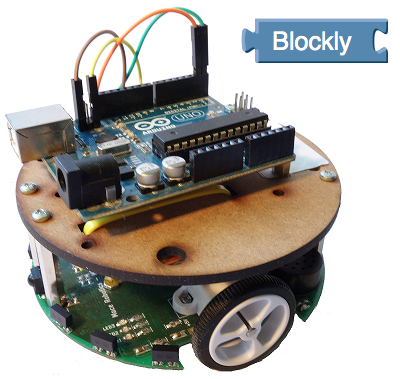
Il est maintenant possible de programmer le robot MRduino en Blockly.
Mais c’est quoi Blockly ?

Blockly est un langage de programmation visuelle Open source sous forme de puzzle. Les pièces du puzzle représente une fonction.
Exemple de programme Blockly pour le robot MRduino :
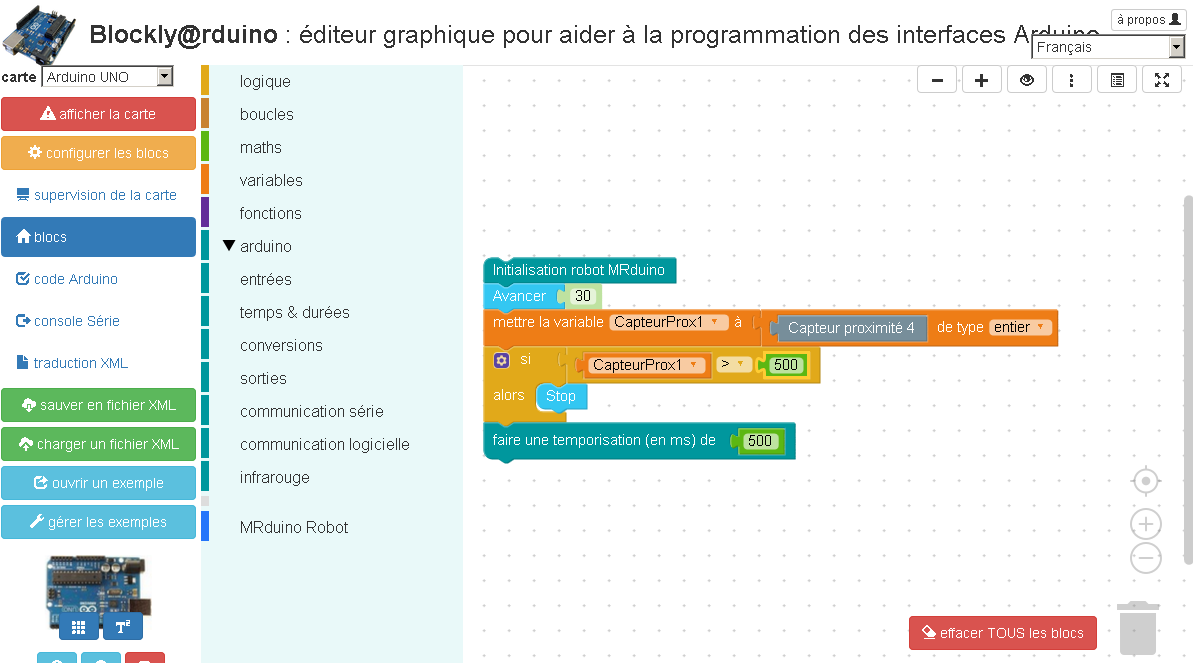
Ce programme permet de faire avancer le robot MRduino tant qu’il n’y a pas d’obstacle présent sur le capteur de proximité n°4.
Guide de démarrage du robot MRduino avec Blockly.
Exemple of obstacle avoidance with MRduino robot. This program use the six proximity sensors.
 The obstacle avoidance program :
#include <mrduino.h>

int prox1;
int prox2;
int prox3;
int prox4;
int prox5;
int prox6;
int speed = 50

// obstacle limit
int limit_obs = 300;

void setup()
{
  // init serial interface
  Serial.begin(115200);

}

void loop()
{
  // read sensors
  prox1 = proxSensor(1);
  prox2 = proxSensor(2);
  prox3 = proxSensor(3);
  prox4 = proxSensor(4);
  prox5 = proxSensor(5);
  prox6 = proxSensor(6);

  delay(100);

  if((prox1 > limit_obs) and (prox2 > limit_obs)and (prox3 > limit_obs) and (prox4 > limit_obs) and (prox5 > limit_obs)  and (prox6 > limit_obs))
  {
    back(speed);
  }
  else
  {
    if((prox1 > limit_obs) and (prox2 > limit_obs))
    {
      turnRight(speed);
    }
    else
    {
       if((prox6 > limit_obs) or (prox5 > limit_obs) or (prox4 > limit_obs))
       {
         turnLeft(speed);
       }
       else
       {
          if((prox1 > limit_obs) or (prox2 > limit_obs) or (prox3 > limit_obs))
          {
           turnRight(speed);
          }
          else
          {
            forward(speed);
          }

       }
    }
  }
}

// end of file
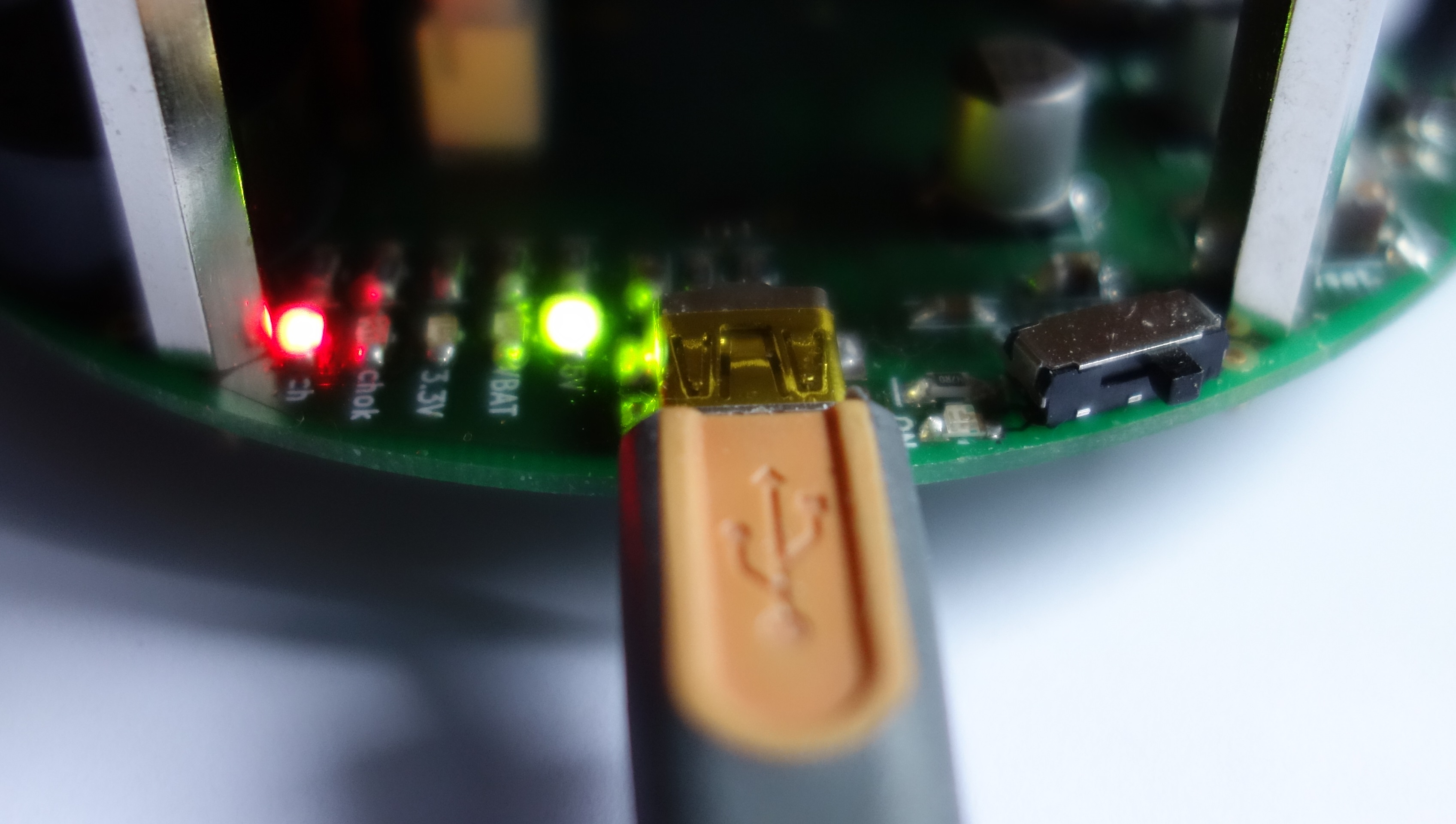
Pour recharger la batterie du robot MRduino vous avez besoin :
Ensuite pour recharger la batterie du robot :
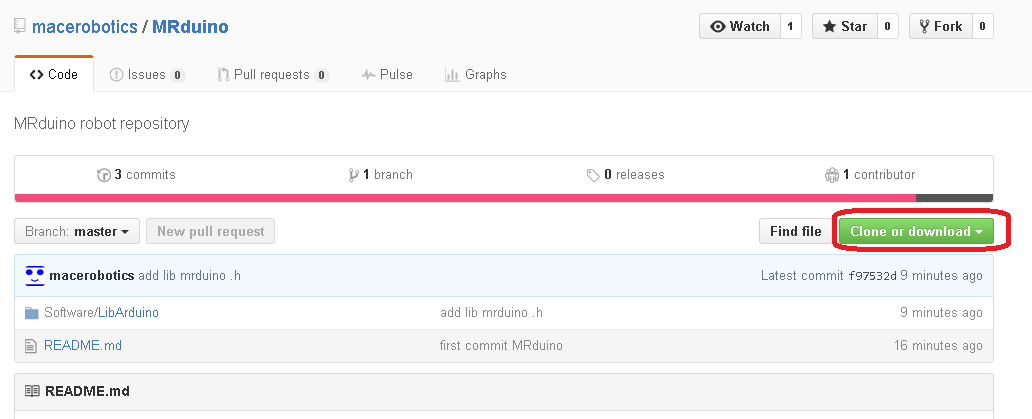
Télécharger un dossier zip du répertoire du Github, à cette adresse :
https://github.com/macerobotics/MRduino
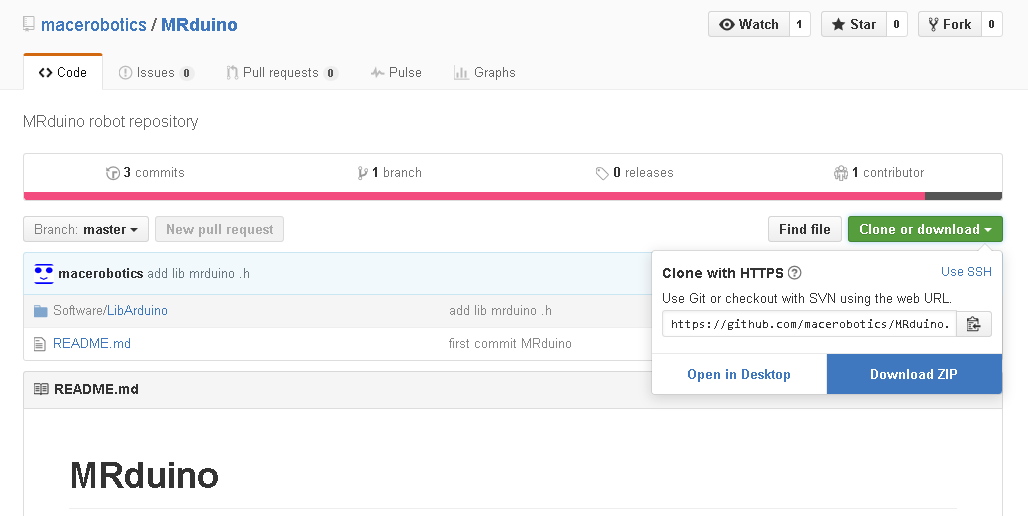
Choisissez ‘Dowload ZIP” :
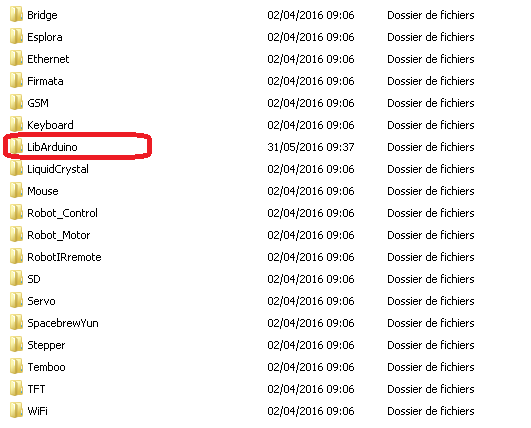
Dossier télécharger :

Je considérè que vous avez installer l’IDE Arduino. Voici un lancement sous Windows :
Double-cliquez sur le logo de l’IDE Arduino :

L’IDE doit se charger :
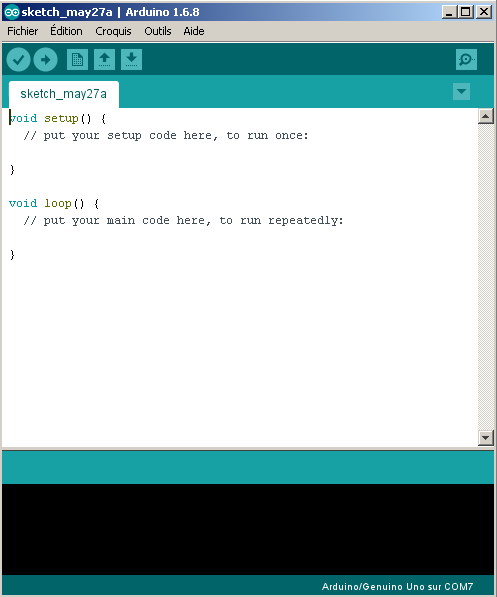
Voici la fenêtre d’édition principale du logiciel Arduino :
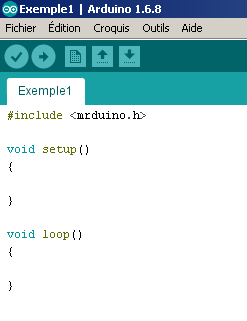
#include <mrduino.h>
Exemple pour faire avancer le robot MRduino :
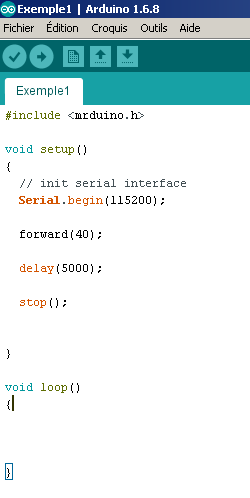
Serial.begin(115200);
forward(40);
delay(5000);
stop();
Une fois que vous avez éditer ce petit programme, vous pouvez le compiler.
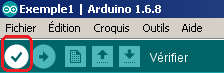
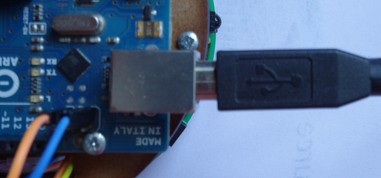
Le programme Vérifier, vous pouvez relier la carte Arduino Uno à votre PC via un câble usb AB. Le robot doit être éteint, bouton en positon off.
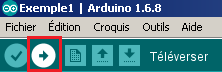
Une fois le programme Téléverser, vous pouvez :
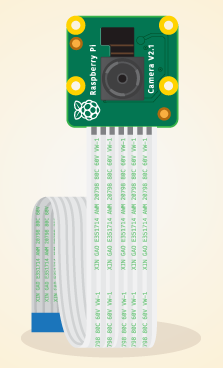
Voici un nouveau tutoriel afin d’installer le module camera V2 de 8 méga pixel sur le robot MRPi1 : installer la camera V2 Pi
Voici quelques photos de l’avancement de la production du robot MRPi1:
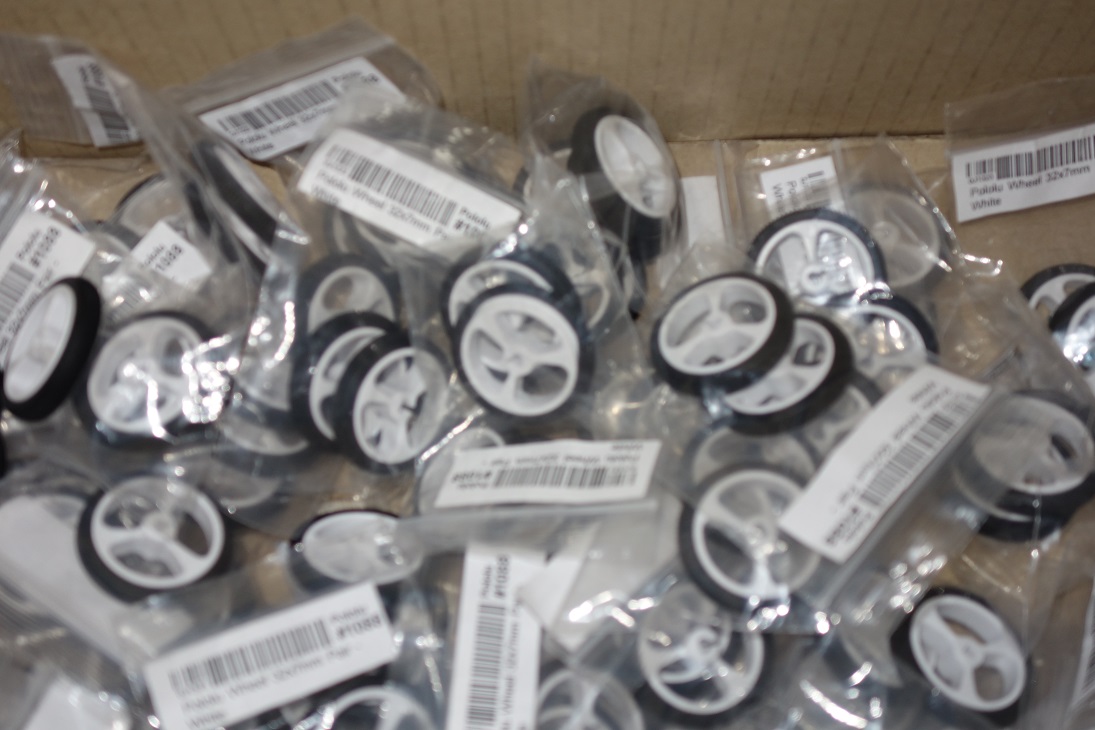
Roues
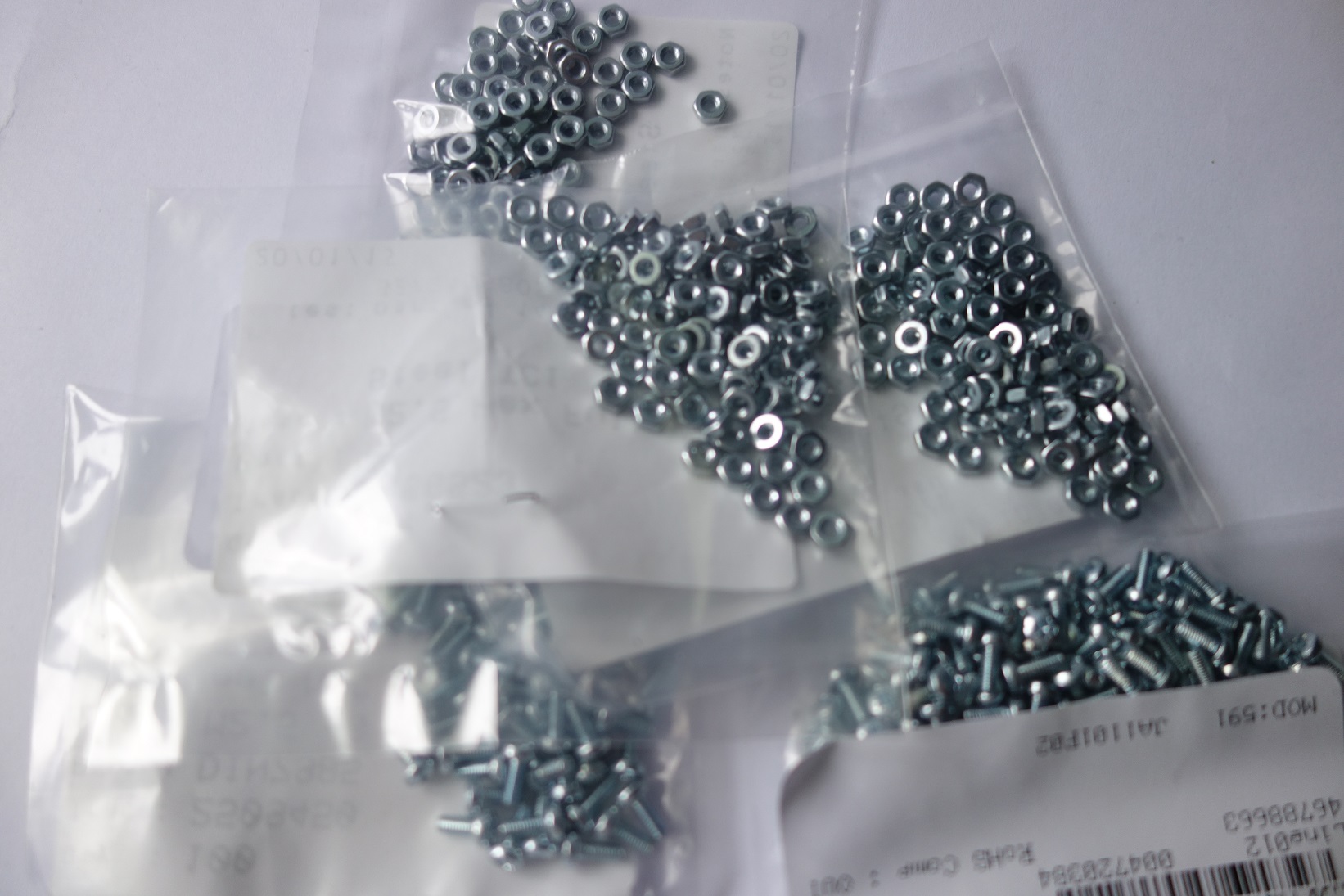
Visserie
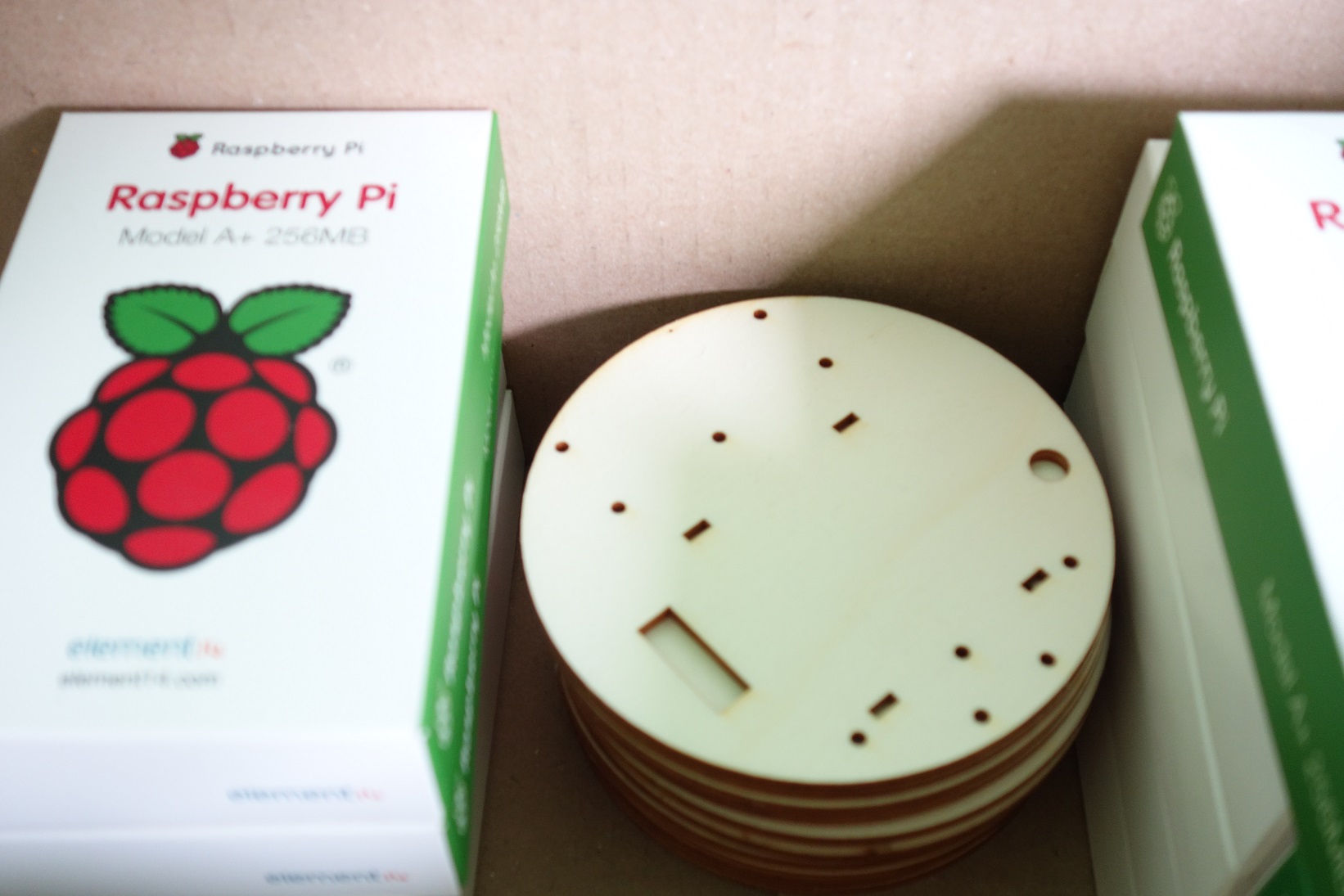
Pi & support
Voici le détails sur la conception & fabrication du robot MRPi1 :
Un choix a été fait pour réaliser une production la plus local possible.